
Control Tower
We built Control Tower because no existing tool gave us what we actually needed — a single place to see how the studio is doing. Not just project status, but the full picture: who's stretched, what's profitable, where there's room to take on more. It's an internal tool, built for how we work, pulling everything into one AI-native surface so decisions about capacity, hiring, and client work happen based on real numbers instead of gut feel.
- Project NameControl Tower
- Timeframe2025
- TypeInternal tool
- Sitecontroltower.so
- Brand Design01
- Prototyping as Design02
- Agent Native Interfaces03
- Agentic Design Systems04
- User Testing05
- Web Apps06

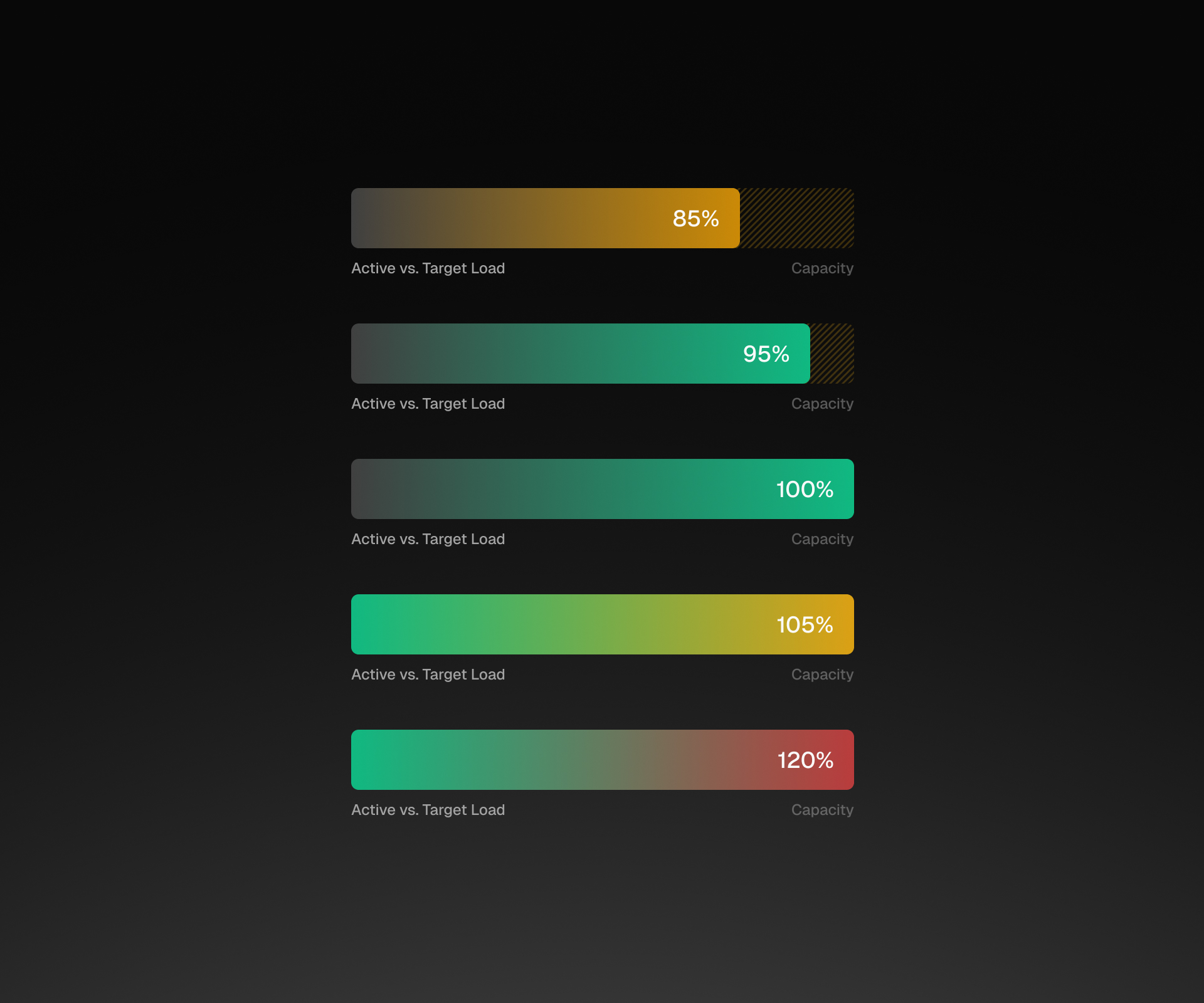

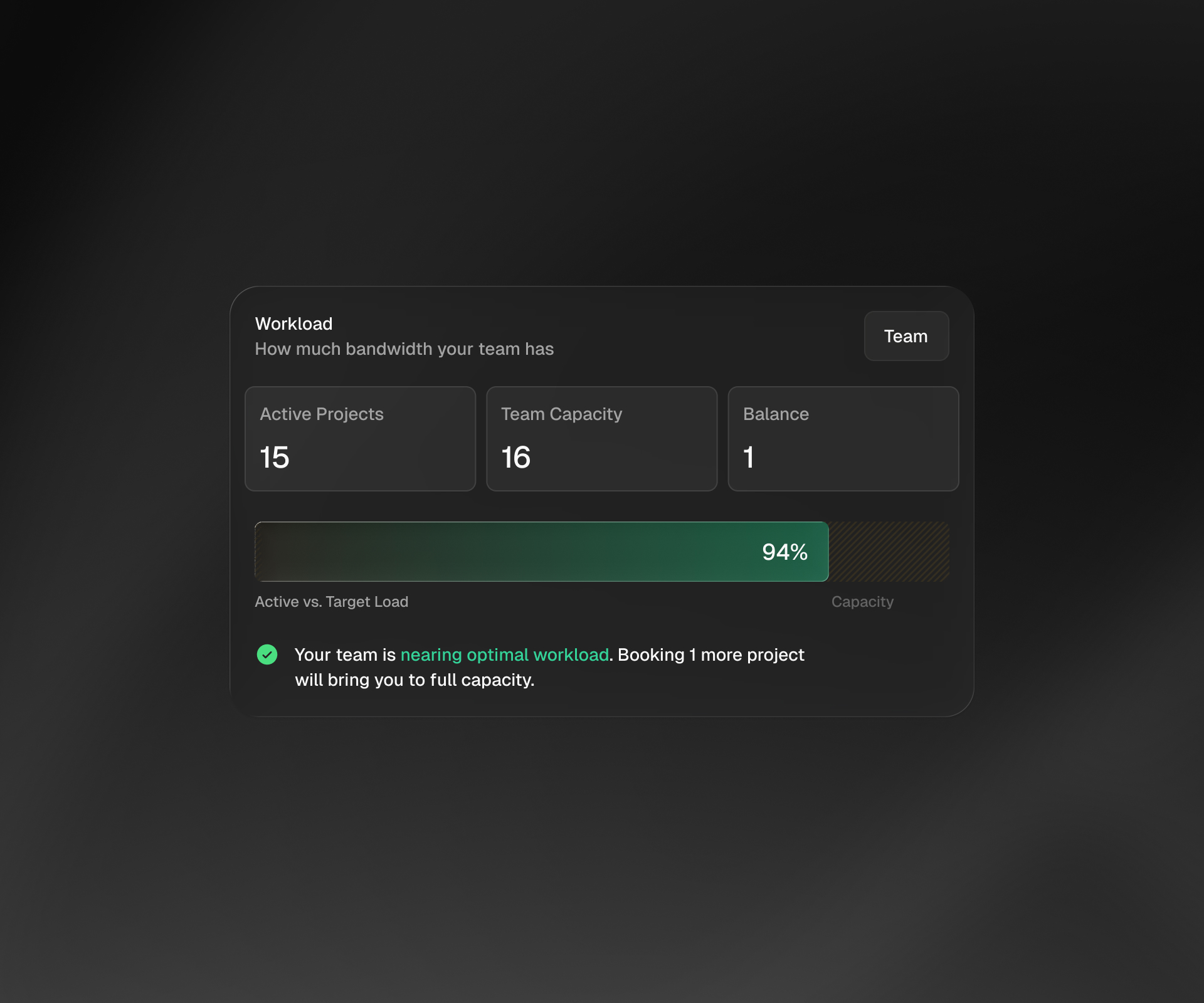
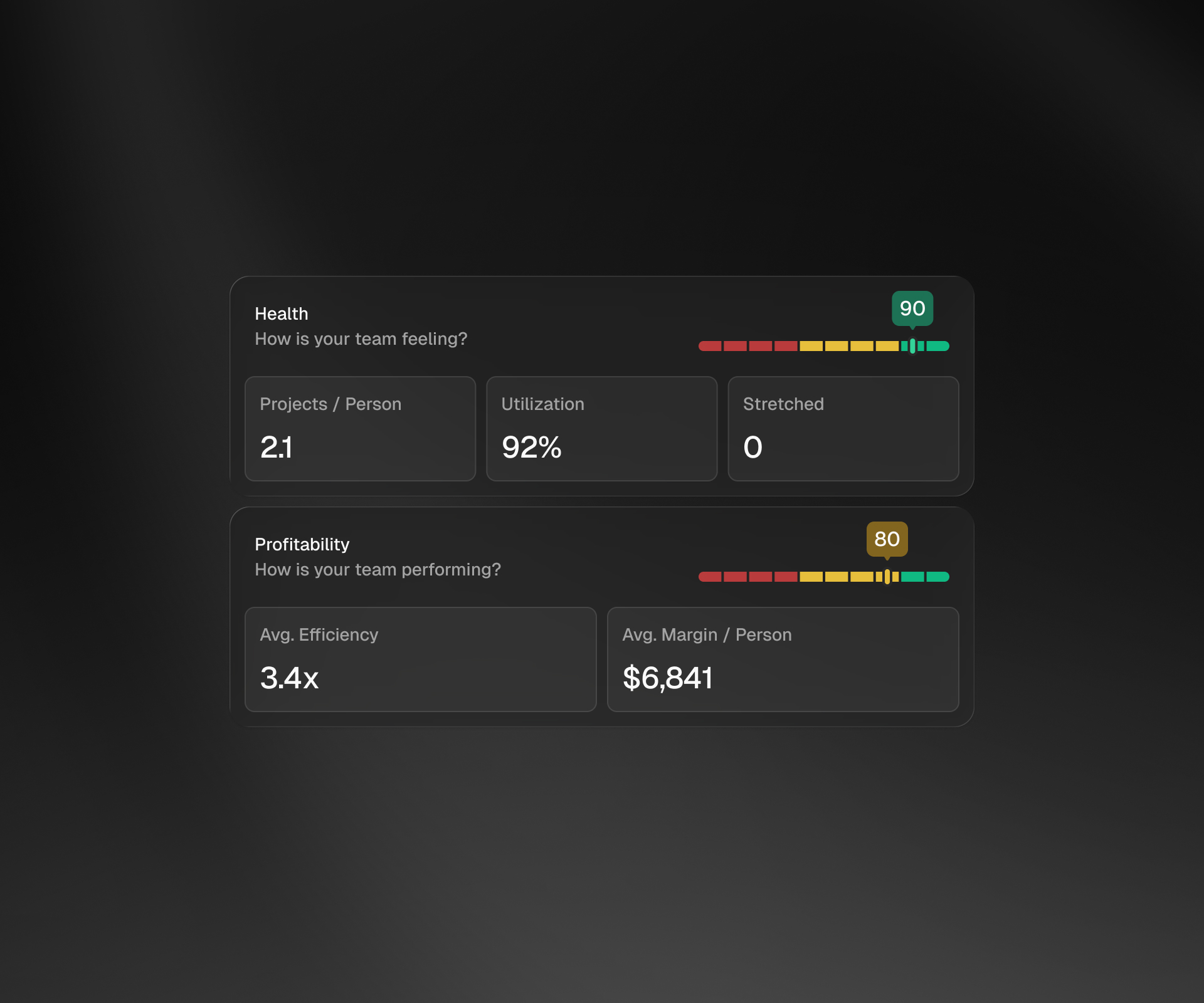
Team health, profitability, and workload capacity in one view. Composite scores surface how the team is feeling and performing — utilization, efficiency, margin per person — alongside real-time bandwidth so we know exactly when we can take on more work and when to hold.
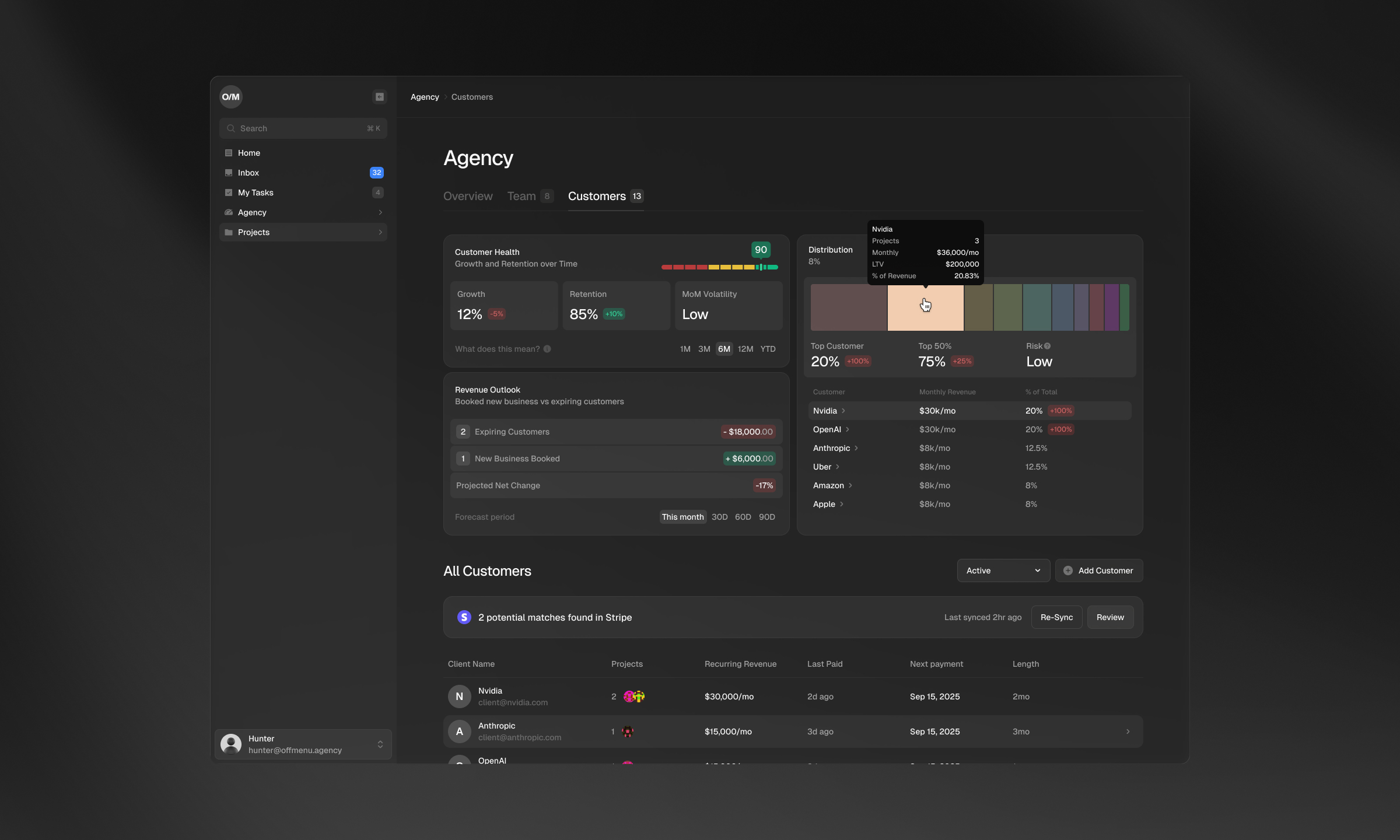
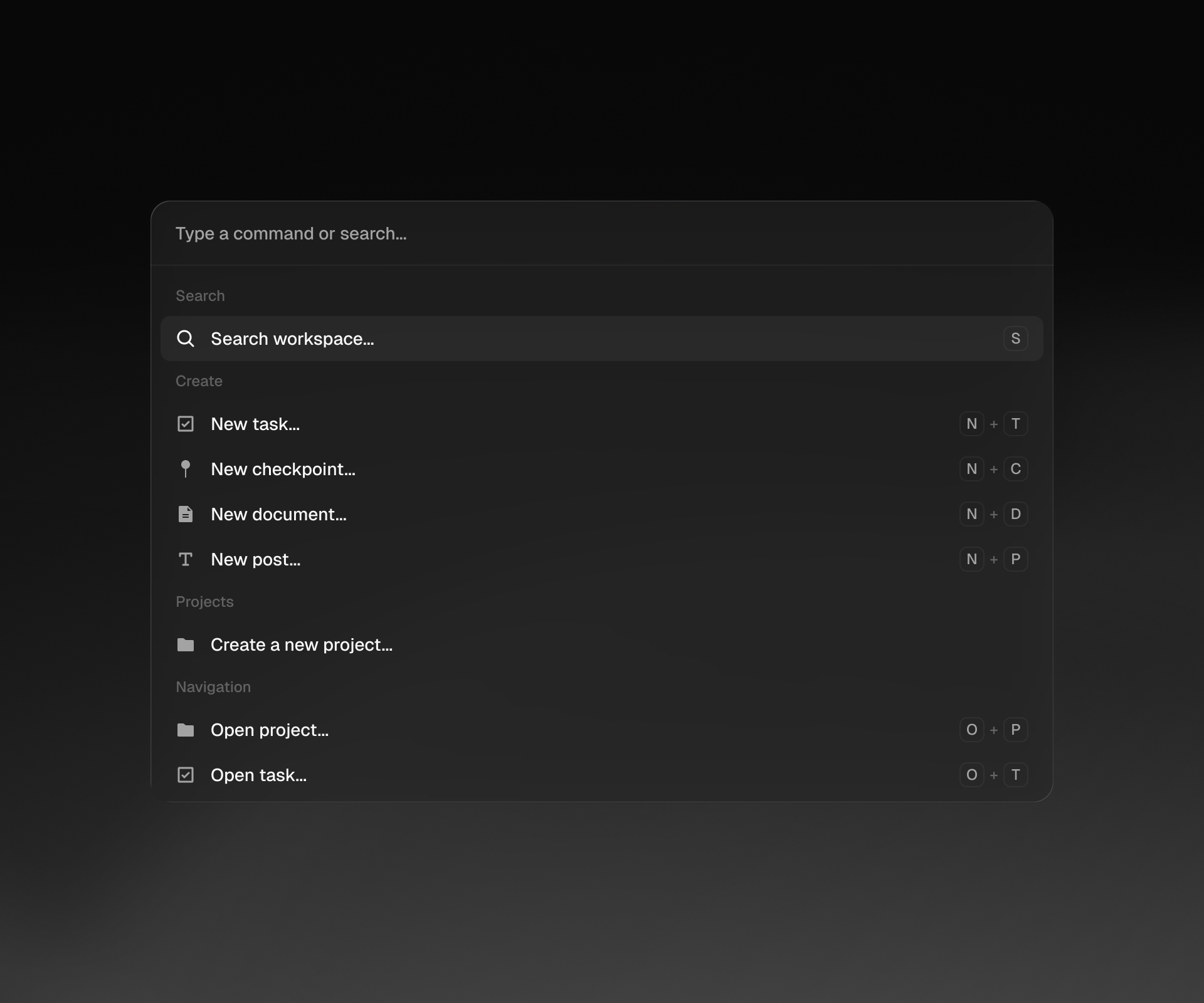
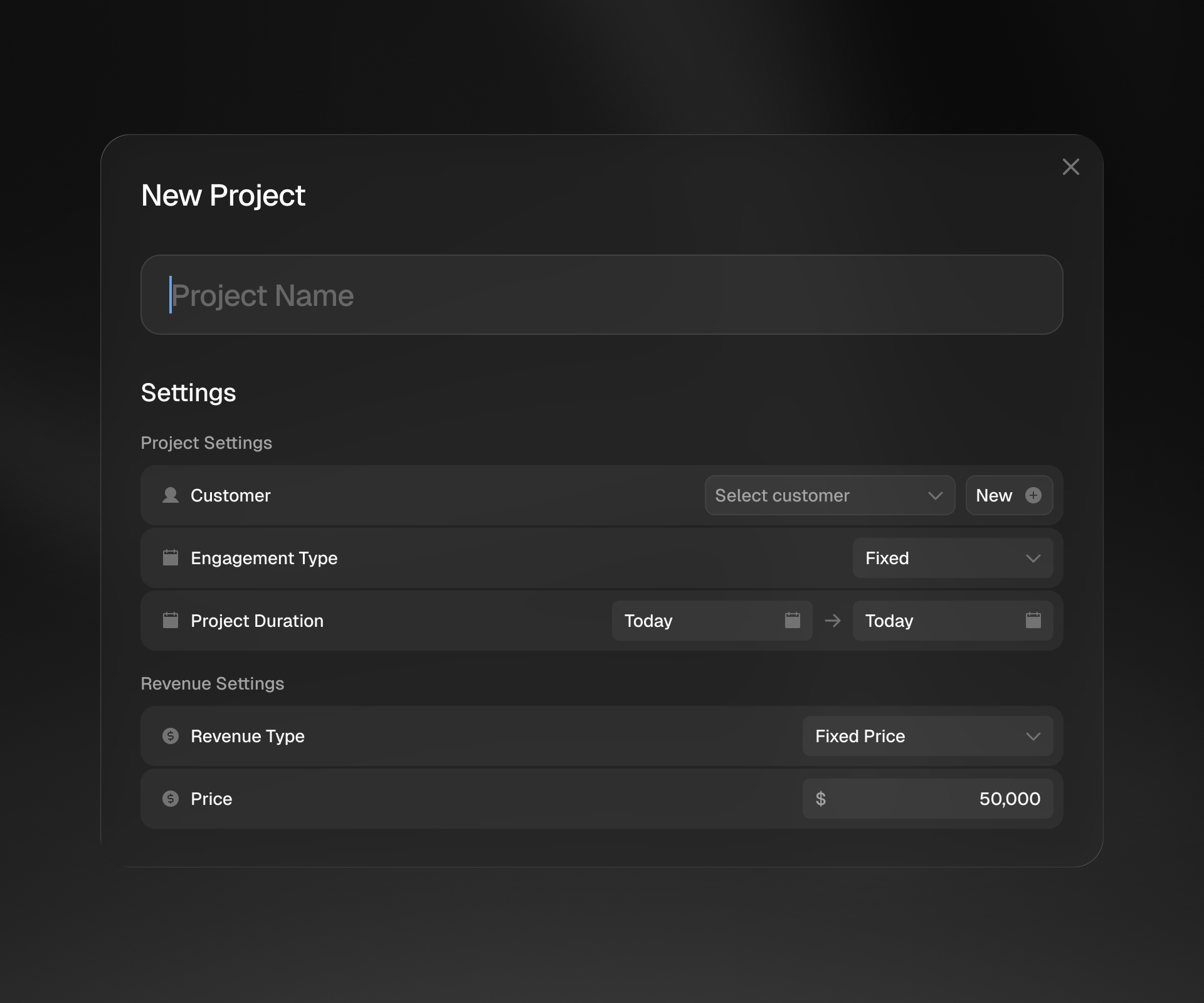
One entry point for everything — search, create, navigate. Tasks, checkpoints, documents, and posts are all accessible through ⌘K without context-switching. Keyboard shortcuts keep the workflow tight.
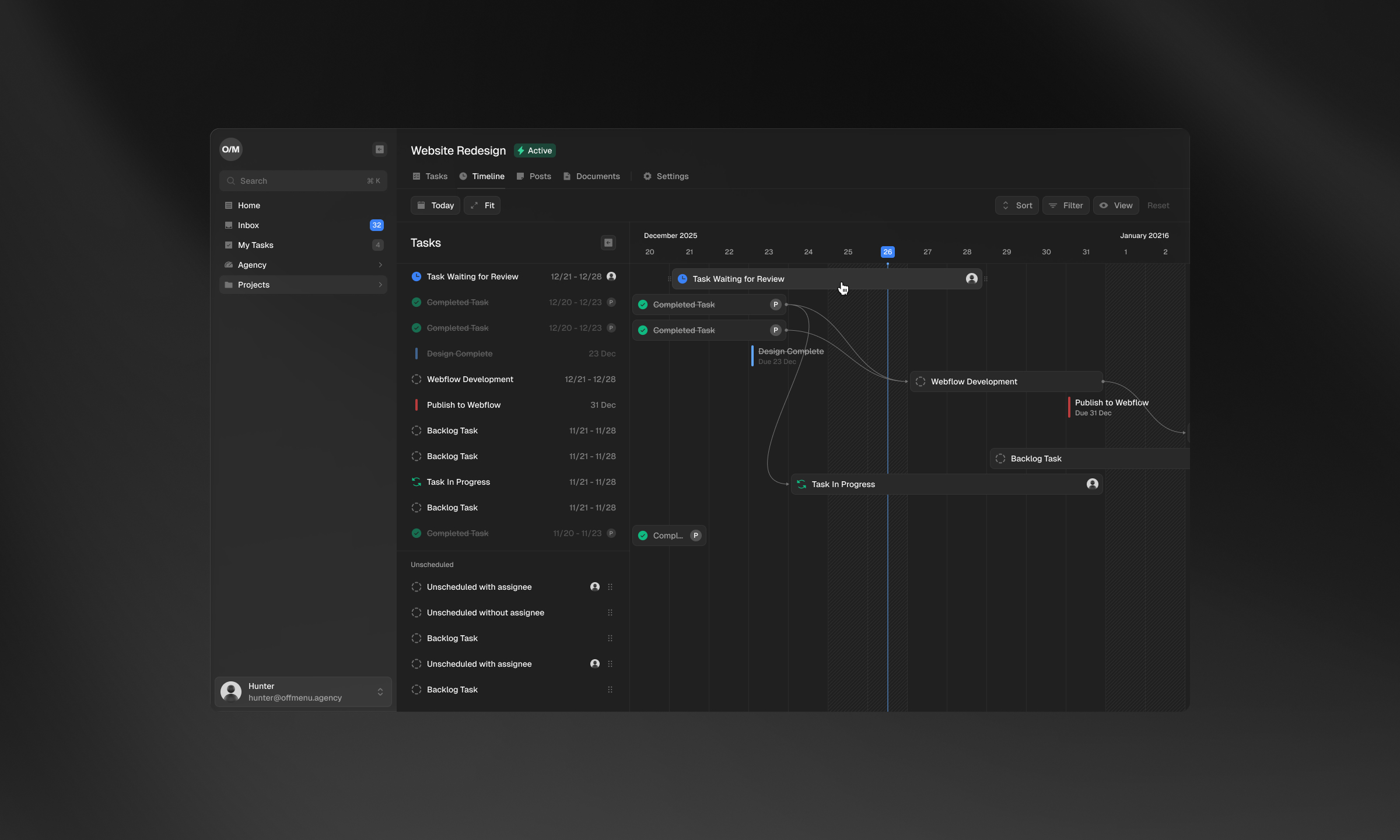
Each project gets a timeline view with tasks, dependencies, and milestones mapped out. Scheduled and unscheduled work lives side by side so nothing falls through — you can see what's blocked, what's done, and where things stand against the calendar.
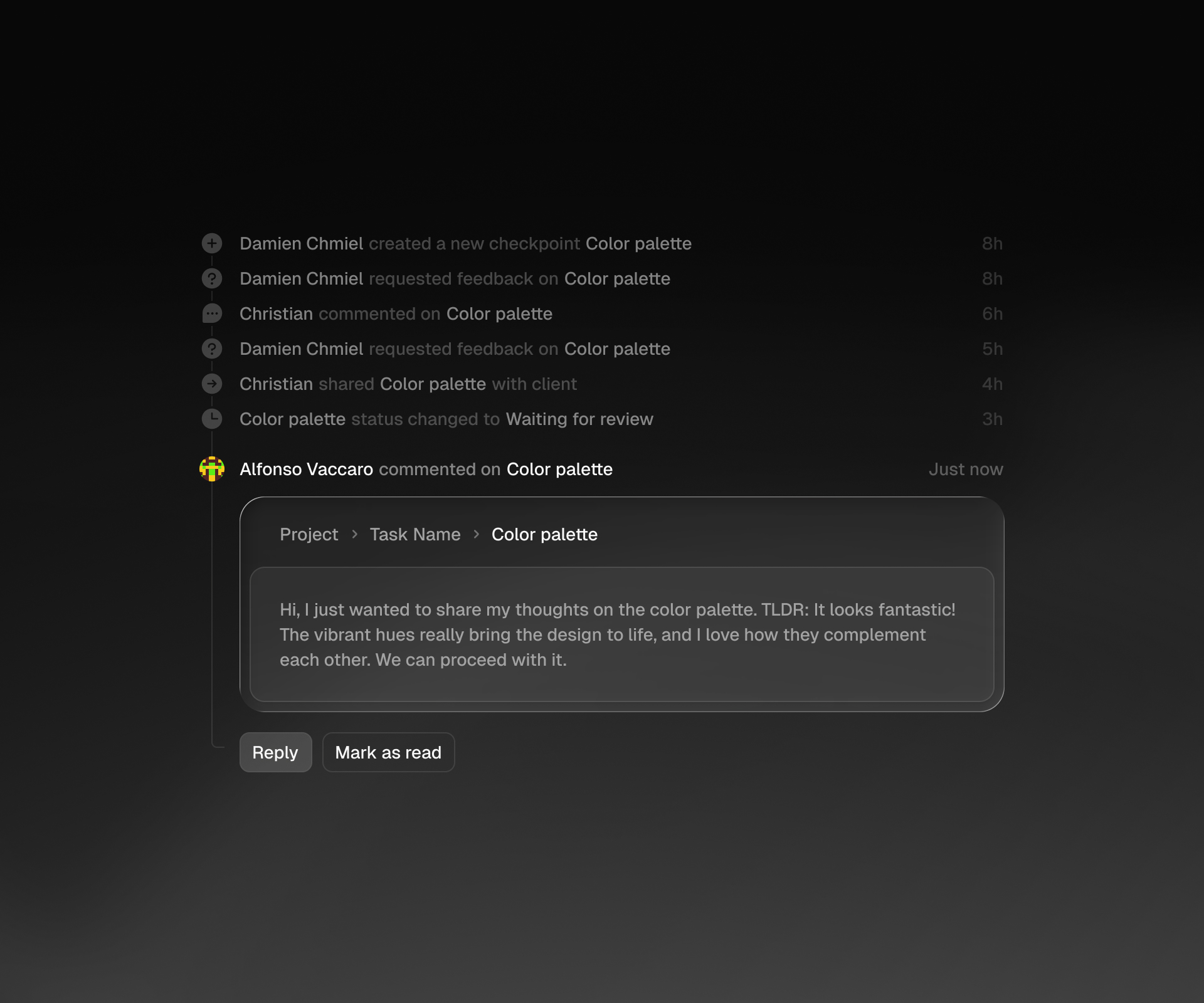
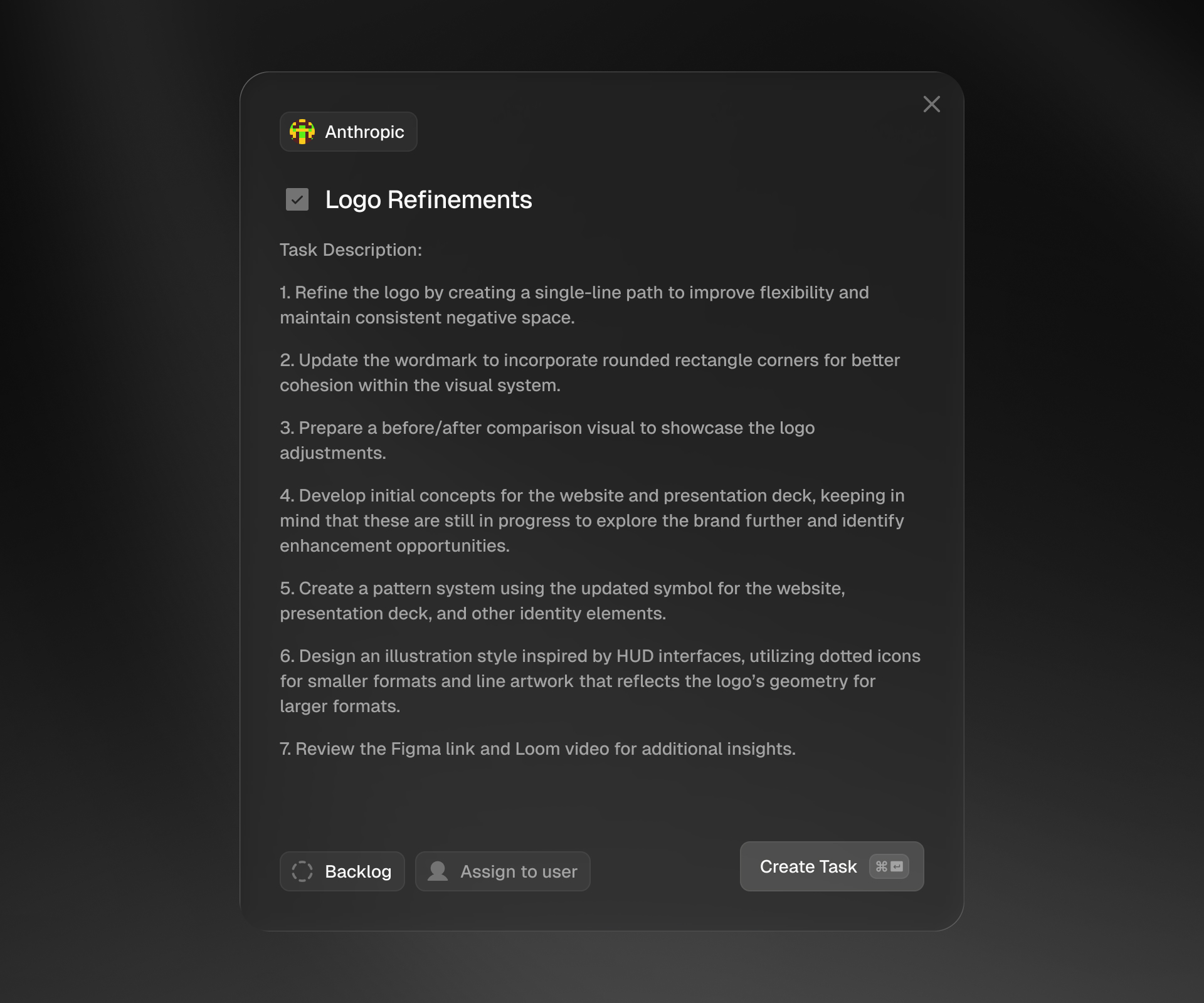
Activity feed tracks everything happening across projects — comments, status changes, feedback requests. When a client leaves feedback, AI parses the message and drafts a structured task with actionable steps, ready to assign and drop into the backlog.
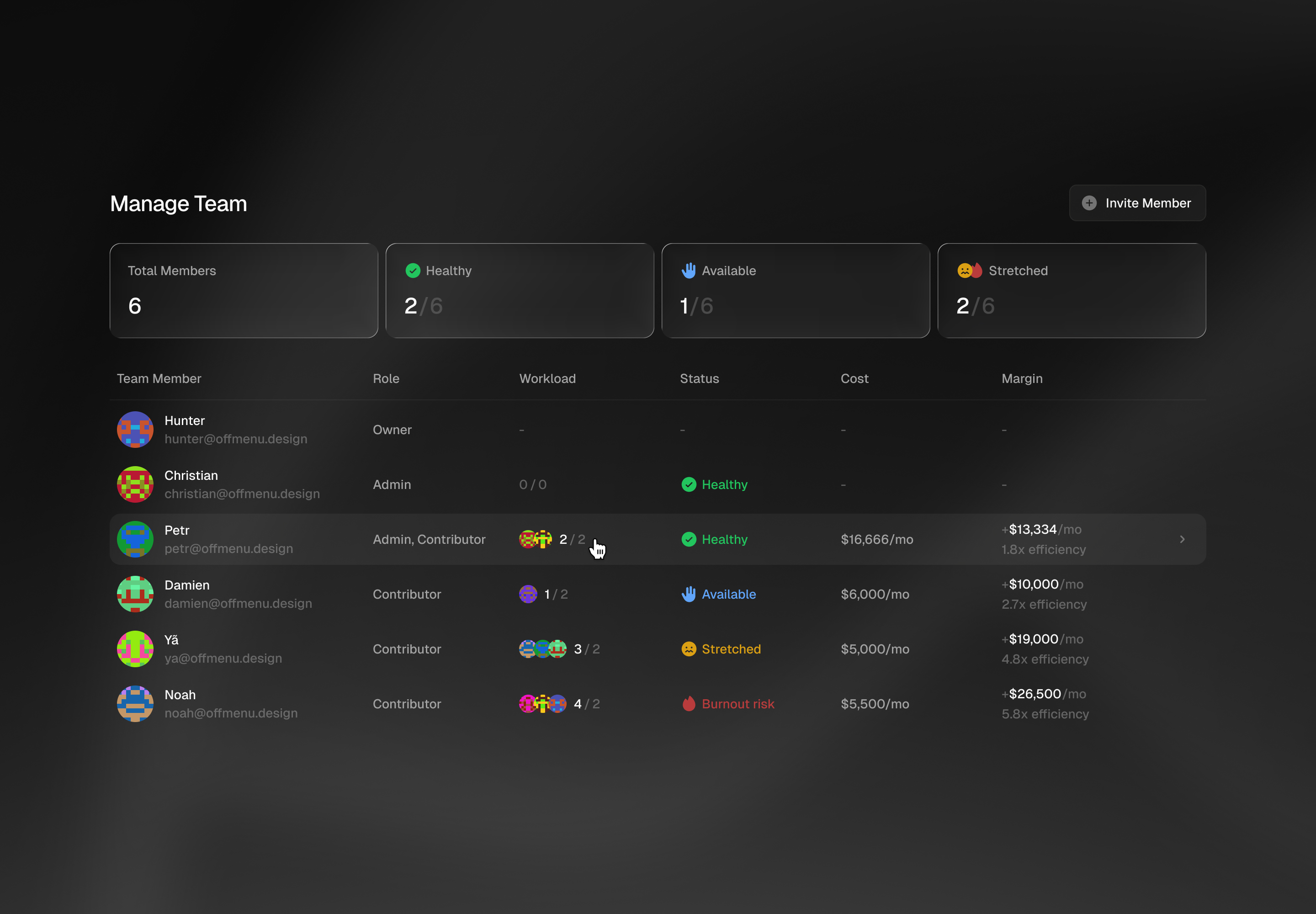
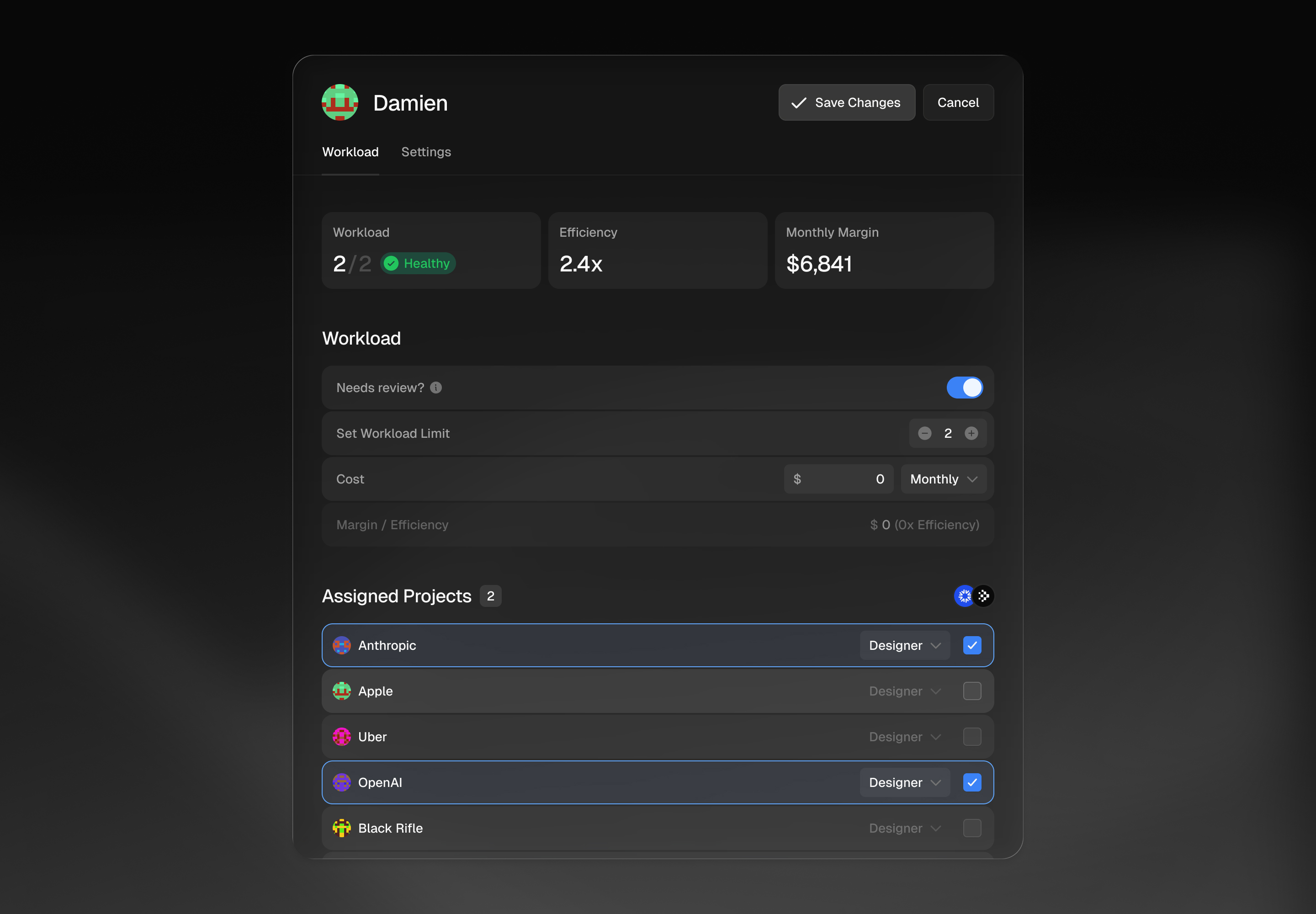
Every team member's workload, cost, margin, and efficiency visible at a glance. Drill into anyone to see assigned projects, set workload limits, and catch burnout risk before it becomes a problem. The system flags who's stretched and who has room — so resourcing decisions are based on data, not assumptions.
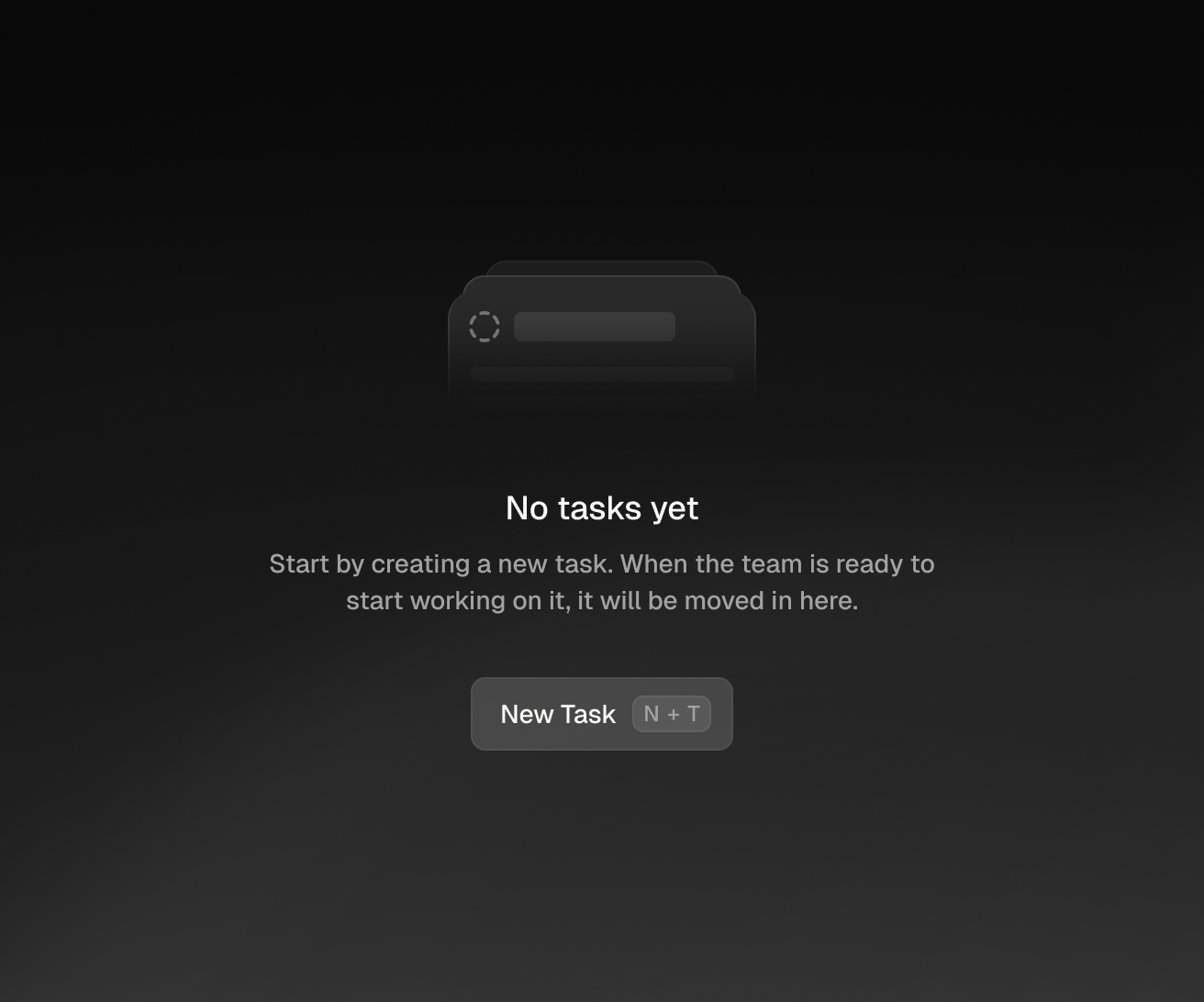
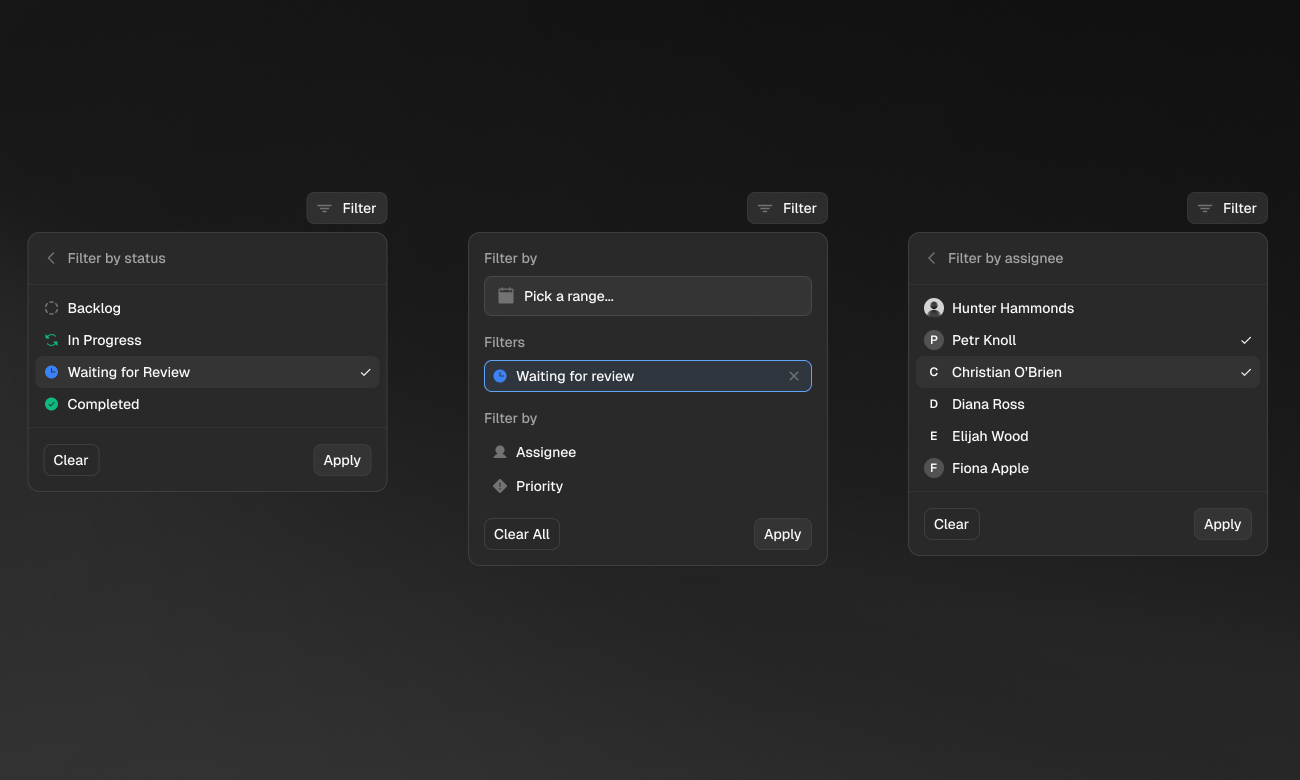
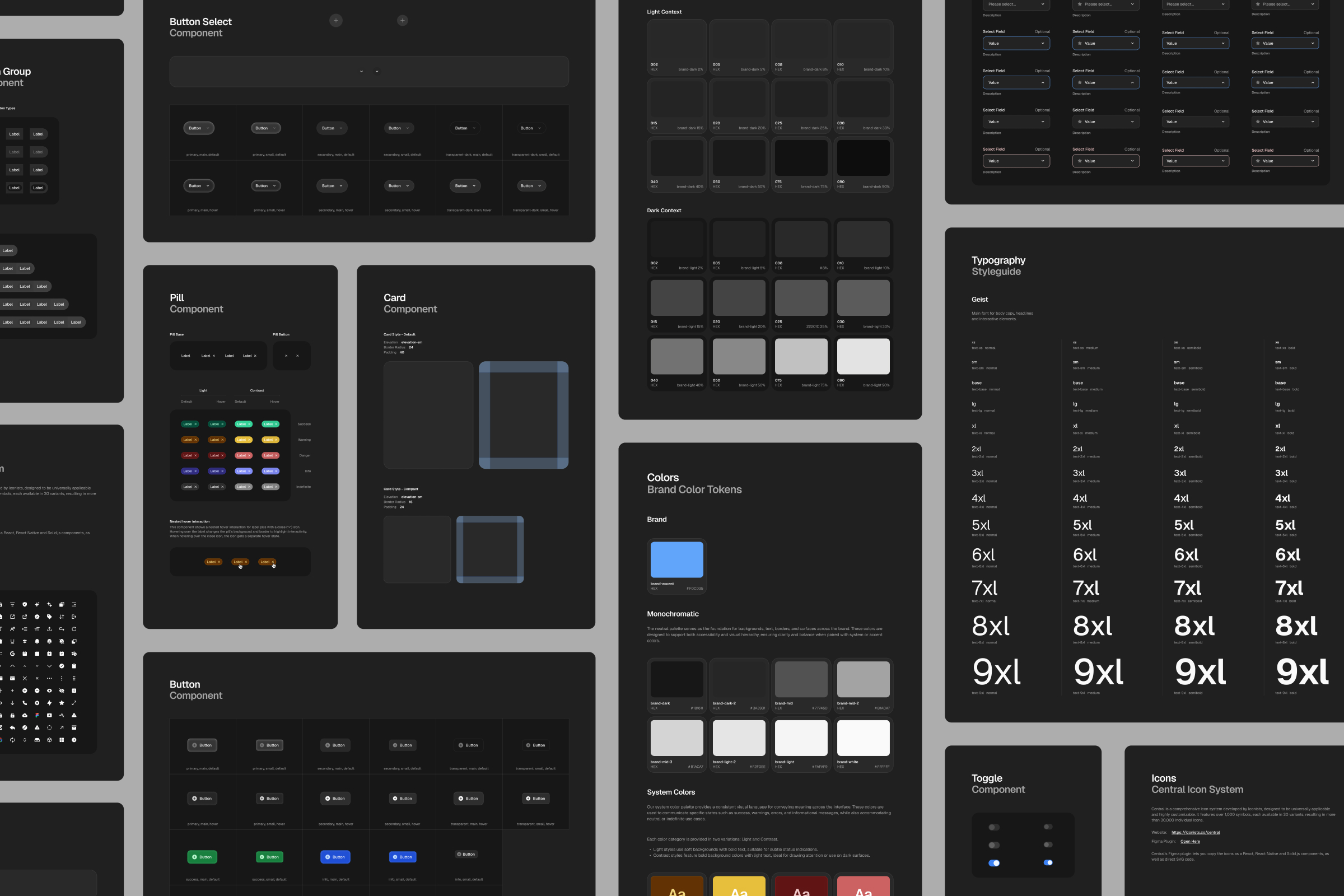
The entire component library was designed and built directly in Claude — buttons, cards, pills, toggles, selects, typography scale, color tokens, every state and variant across light and dark contexts. What would normally take a design team weeks was done in days. Figma was back-filled from the codebase for documentation, not the other way around.
Want to see more?
Ditto

Hanover Park